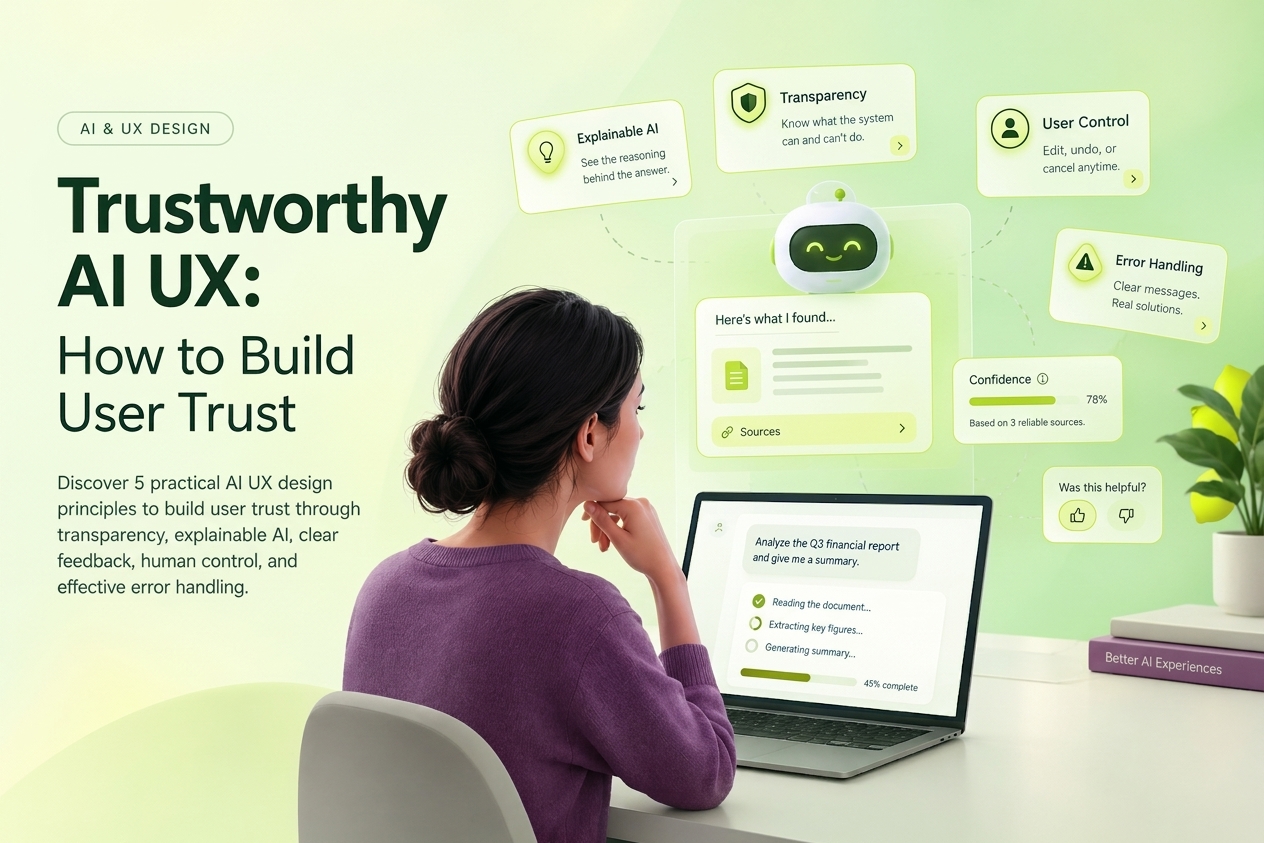
SaaS UX design is the work of making a software product understandable on day one and efficient on day one hundred.
What makes SaaS UX different?
A marketing page only needs to explain value and create intent; the product has to deliver that value again and again. Users must learn the system, configure it, finish real work, recover from mistakes, and often coordinate with other people.
A strong SaaS experience balances five needs:
- Fast time to value: users reach a meaningful result early.
- Progressive learning: the interface teaches without overwhelming.
- Operational efficiency: repeated tasks become faster over time.
- Trust and control: status, permissions, feedback, and recovery are clear.
- Scalability: the experience works for beginners, experts, individuals, and teams.
The four stages of the SaaS experience
1. Activation
Activation is the moment a new user experiences the product's core value for the first time. It is not the same as creating an account or finishing a product tour.
For a project management tool, activation might mean creating a project and assigning the first task. For an analytics product, it may mean connecting a data source and viewing the first useful report.
To improve activation, ask only for information required for the first outcome, provide a relevant template or sample, remove optional configuration from the critical path, and give every empty state a clear next action.
2. Adoption
Adoption means people repeatedly use the capabilities that create ongoing value. A product can have healthy signup numbers and weak adoption when users never build it into their workflow.
Start by identifying the behaviors shared by successful customers. Then use contextual prompts, useful defaults, examples, and reminders to help more users repeat those behaviors. Advanced capabilities should appear when the user's context makes them relevant, not all at once during onboarding.
3. Retention
Retention depends on value, reliability, habit, and the cost of switching. UX contributes by making outcomes visible and recurring work easier.
Useful retention patterns include saved views, remembered preferences, activity history, reliable autosave, helpful notifications with direct actions, and summaries that show what the product helped the customer accomplish.
4. Expansion
Expansion happens when customers invite teammates, adopt more workflows, or choose a larger plan. Upgrade messages work best when they connect a capability to a need the user is experiencing now. A generic paywall creates friction; a contextual explanation helps the user evaluate the next tier.
A practical SaaS UX improvement process
Define the core outcome
Write one sentence describing the result users hire the product to achieve. Keep it specific and observable.
“Manage work better” is too broad. “Plan a project, assign responsibilities, and see what is blocked” gives the team something it can design and measure.
Map the critical journey
Document the shortest realistic route from entry to value. Include the user's questions, decisions, actions, dependencies, and possible failure points.
Look for unclear labels, unnecessary choices, missing guidance, repeated data entry, unexplained waiting states, and errors with no recovery path.
Combine behavior with context
Analytics can show where people struggle. Research helps explain why. Useful evidence may come from funnel data, usability tests, interviews, support tickets, search logs, session review, cancellation reasons, and customer-facing teams.
One complaint is a signal, not a roadmap. Strong priorities emerge when behavior, user feedback, and business impact point in the same direction.
Prioritize by impact and confidence
For each issue, ask: if we solve this, which user behavior should change?
Prioritize friction that blocks a core outcome, affects many users, creates repeated support demand, or damages trust. Keep evidence-backed problems separate from hypotheses that still need testing.
Test the smallest meaningful solution
The smallest test is not always a cosmetic change. It is the smallest change capable of testing the assumption behind the proposed solution.
Prototype the critical flow, test it with representative users, and measure whether people complete the task with less confusion, effort, or risk.
Common SaaS UX mistakes
Treating onboarding as a feature tour
New users do not need a guided list of controls. They need help completing a meaningful task. Teach through action and reveal features in context.
Building dashboards without a decision in mind
A useful dashboard helps someone understand status, notice change, or decide what to do next. Extra charts do not automatically create value.
Hiding system status
People should know whether work is saved, processing, synced, shared, or failed. Clear feedback prevents repeated actions and reduces avoidable support requests.
Giving every role the same experience
Administrators, managers, and contributors often have different goals. Role-aware defaults, navigation, and permissions reduce cognitive load.
Adding features without protecting findability
As a product grows, information architecture becomes a product strategy issue. New capabilities need predictable placement, clear language, and entry points that match the user's mental model.
How should SaaS UX be measured?
Use a small set of measures that connect behavior with product value:
- Time to first value
- Activation rate
- Task completion rate
- Feature adoption rate
- Error and abandonment rate
- Retention by cohort
- Support requests per active account
- Customer effort and qualitative confidence
No single number describes the experience. Together, these measures cover effectiveness, effort, and business outcome.
When is a SaaS UX audit useful?
A UX audit is useful when activation falls, support demand grows, feature adoption is weak, the interface has accumulated inconsistent patterns, or the team is preparing a major redesign.
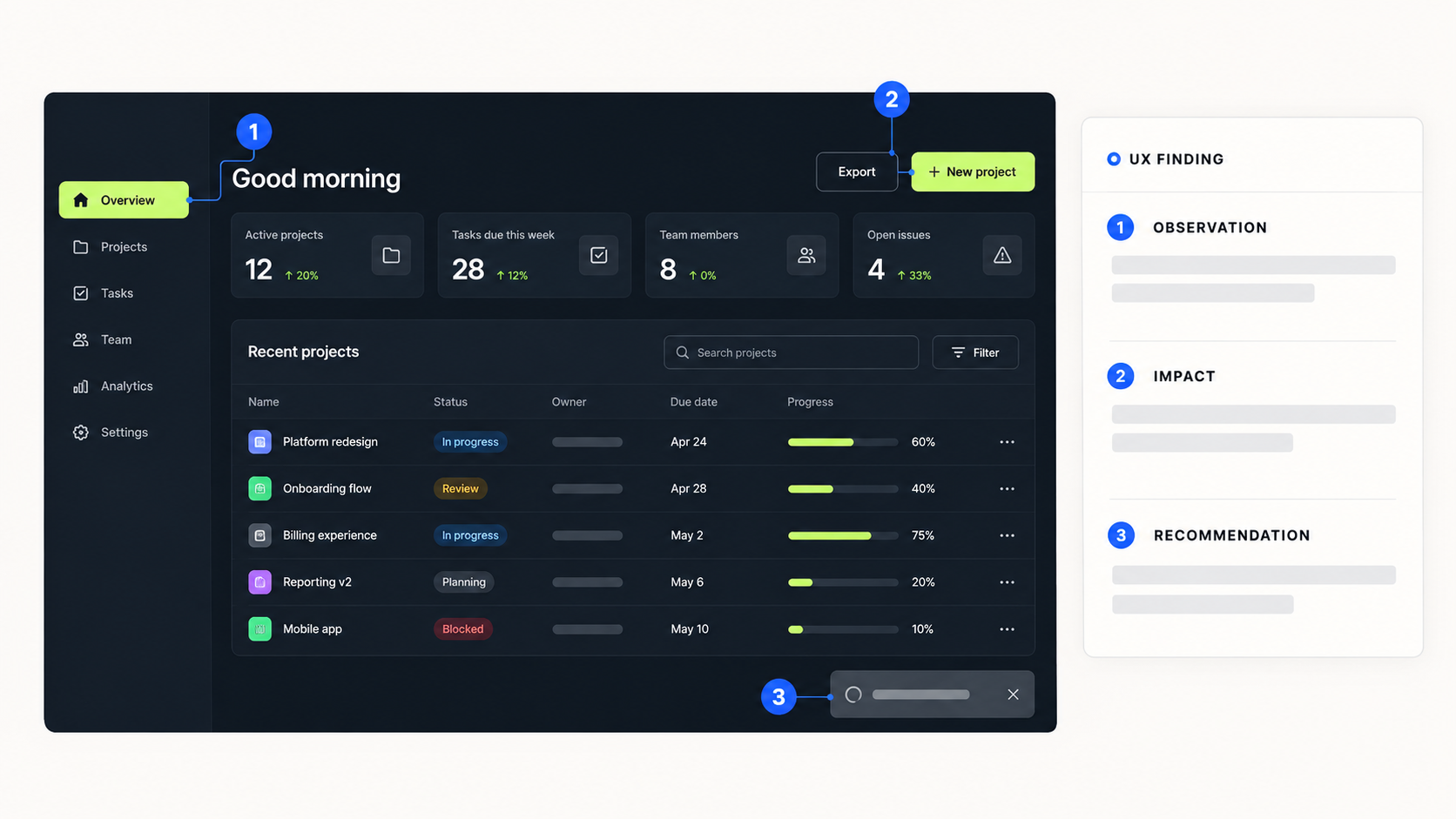
A credible audit does more than list usability issues. It links findings to evidence, explains the user and business impact, and gives the team a prioritized route forward.
Frequently asked questions
What is SaaS UX design?
SaaS UX design is the design of end-to-end experiences in subscription software, including onboarding, navigation, workflows, collaboration, feedback, permissions, and repeated use.
Why does UX affect SaaS retention?
Good UX helps customers reach value sooner, complete recurring work with less effort, and trust the system. Those conditions make the product easier to adopt and more useful over time.
What is the best way to improve SaaS onboarding?
Define the first meaningful outcome, remove unnecessary setup, provide relevant defaults, and guide users through a real task. Measure success through activation behavior rather than tour completion.
How long does a SaaS UX audit take?
The timeline depends on scope and available evidence. A focused review of one critical journey may take several days; a broader product audit can take multiple weeks.
The strongest SaaS experiences make value clear early, remove friction from repeated work, and give users confidence when something changes or goes wrong.