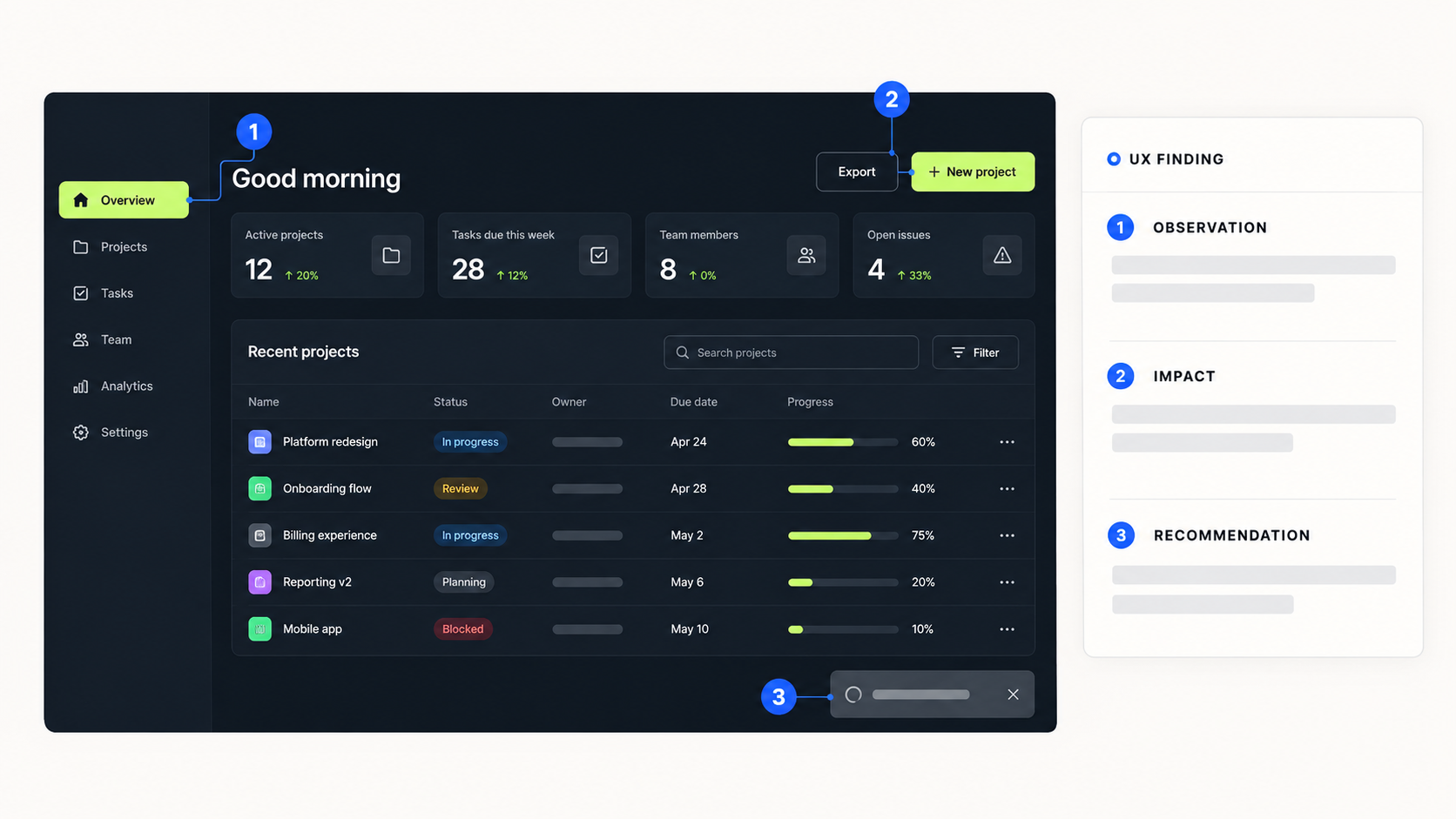
Trust is one of the most important factors in AI UX design. Users need to understand what an AI system can do, how to evaluate its responses, and when they should verify its recommendations before taking action.
Unlike traditional software, AI-powered interfaces can produce different outputs for similar inputs. They may misunderstand a request, generate inaccurate information, or present an uncertain prediction with convincing language. These limitations make transparency, user control, and clear feedback essential parts of the user experience.
Trustworthy AI UX design focuses on helping users understand AI outputs, recognize uncertainty, and remain in control of important decisions. This article explores five practical principles for designing AI interfaces that are transparent, reliable, and easier to use.
1. Explain AI Decisions Without Overwhelming Users
One of the biggest challenges in AI interface design is the black box problem. Users may receive a recommendation or generated answer without understanding why the system produced it.
Explainable AI (XAI) addresses this challenge by making relevant factors behind AI outputs easier to understand. The goal is not to expose complex algorithms or technical details, but to provide enough context for users to evaluate the result.
UX designers can improve explainability through three practical approaches.
Provide Contextual Explanations
Show users the main factors that influenced a recommendation when those factors are available and meaningful.
For example, a personal finance application could explain that a budgeting suggestion is based on recent spending patterns and recurring expenses. This gives users a clearer reason to evaluate the recommendation instead of treating it as an unexplained instruction.
Show Sources and References
AI-powered research tools and information assistants should provide citations, links, or relevant document excerpts when their answers are based on retrievable sources.
Source attribution allows users to verify important claims independently. It also helps distinguish information supported by a source from generated interpretations that may require additional review.
Use Progressive Disclosure
Not every user needs a detailed explanation immediately.
Present a concise result first, then offer options such as “Why this recommendation?” or “View sources” for users who want more information.
This approach keeps the interface simple while making deeper explanations available when needed.
2. Communicate Uncertainty Honestly
AI systems do not always produce reliable results, even when their responses sound confident. A trustworthy interface should help users understand the limitations of an output rather than presenting every response as an established fact.
The right approach depends on the AI feature, the consequences of an incorrect answer, and the reliability of the available confidence information.
Avoid Unsupported Confidence Scores
Percentages and confidence labels can be useful for classification or prediction systems when their confidence estimates are properly calibrated and meaningful.
However, a generated answer should not display a percentage such as “92% accurate” unless the system can substantiate what that number measures.
When reliable numerical confidence information is unavailable, designers can communicate limitations through clear language, source availability, and appropriate verification prompts.
Choose Copy That Reflects Uncertainty
Interface microcopy should communicate what the system knows and what still needs verification.
For example:
- Instead of “This is the correct answer,” use “Here is a suggested answer based on the available information.”
- Instead of presenting an incomplete result as final, use “Some information could not be verified.”
- When the system lacks sufficient context, ask the user to clarify their request.
These small copywriting decisions help users develop realistic expectations of AI capabilities.
Present Alternatives When Appropriate
For creative tasks, forecasting, and recommendations, offering several plausible options can be more useful than presenting one output as the only correct answer.
A writing assistant, for example, could provide three alternative headlines with different tones. The user can compare the options and select the one that best fits their goal.
The principle is simple: AI UX should support informed judgment, not create a false sense of certainty.
3. Make AI Processing and System Status Visible
AI features often take longer to respond than familiar interface actions. When the system provides no feedback during processing, users may assume that the application has frozen or that their request has failed.
Transparent system status helps users understand what is happening and whether they need to take action.
Replace Generic Loading Indicators With Meaningful Feedback
Instead of displaying an indefinite spinner, communicate the current task using accurate, user-friendly status messages.
For example, an AI document analysis tool could display:
- Reading the uploaded document.
- Identifying key financial figures.
- Preparing a summary.
- Checking the results against the available information.
These messages should reflect actual system activity. Designers should not invent processing steps or imply that a verification process occurred when it did not.
Stream Responses When Useful
Displaying generated text progressively can reduce perceived waiting time and help users recognize whether a response is addressing their request.
Streaming is especially useful for writing assistants, research tools, and conversational interfaces. However, partial outputs should not be mistaken for completed or verified results.
Give Users Control Over Long-Running Tasks
Provide a clear way to stop generation or cancel a request when technically supported.
If a task involves meaningful changes to user data, make its status and consequences clear before execution. Users should know whether an action has been cancelled, completed, or still needs confirmation.
4. Keep Users in Control of AI-Generated Outcomes
A trustworthy AI experience should make users feel capable of directing, correcting, and reviewing the system.
The objective is not to remove automation. It is to ensure that the level of automation matches the task, the potential consequences, and the user's expectations.
Make AI Outputs Editable
Allow users to revise generated content, adjust parameters, and request changes without restarting the entire workflow.
For example, an AI writing tool could provide controls for tone, length, and audience. Users can refine the output instead of accepting the first result or rewriting everything manually.
Support Undo, Redo, and Version History
Reversibility reduces the perceived risk of experimentation.
When AI modifies a document, changes a design, or updates structured data, users should be able to review changes and restore an earlier version whenever feasible.
These controls are particularly important when the system can make multiple changes at once.
Use Human Review for High-Impact Actions
AI should not silently perform consequential actions that users expect to approve.
Sending an email, publishing content, transferring money, or modifying production data may require an explicit confirmation step, depending on the context and risk.
Human-in-the-loop design ensures that users can inspect important outputs and authorize actions before they take effect.
Make Feedback Easy to Give
Simple feedback mechanisms, such as thumbs-up and thumbs-down buttons, can help users report problems.
More specific options, including “Incorrect information,” “Missing context,” and “Irrelevant response,” can help product teams identify recurring issues.
Feedback may inform future product improvements, but submitting a rating does not necessarily mean that the underlying AI model is immediately retrained.
5. Design for AI Errors and Recovery
AI systems can misunderstand instructions, generate unsupported claims, or fail to complete a task. A well-designed interface should help users recover from these situations without losing their work or control.
Error handling is therefore a core part of trustworthy AI UX, not an afterthought.
Explain What Went Wrong
Avoid vague error messages that leave users unsure about what happened.
Instead of displaying “Something went wrong,” provide a clear explanation when the cause is known and a practical next step.
For example:
“The document could not be processed because the file is password-protected. Upload an accessible version to continue.”
If the cause is unknown, say so rather than inventing an explanation.
Provide a Reliable Alternative
When an AI feature is unavailable or cannot complete a task, preserve the user's ability to continue whenever possible.
An AI-powered search tool could fall back to standard search filters. A writing assistant could let users continue editing their existing draft manually.
The alternative should be appropriate to the task and clearly identified as a different method.
Offer Human Support When Necessary
In customer support and other service workflows, users should have a clear escalation path when the AI cannot resolve their issue.
This is particularly important when a task involves sensitive information, financial consequences, or a situation that requires human judgment.
A well-designed escalation flow should preserve relevant context where appropriate, so users do not have to repeat the entire interaction.
Common AI UX Design Mistakes That Damage Trust
Even a technically capable AI product can create a poor user experience when its interface misrepresents what the system can do.
Avoid these common mistakes:
- Overpromising capabilities: Marketing messages and interface copy should reflect the system's actual limitations.
- Hiding uncertainty: Users should be able to distinguish verified information from suggestions or unverified generated content.
- Using misleading confidence scores: Numerical indicators should have a clear, defensible meaning.
- Removing user control: Important actions should not happen without appropriate authorization.
- Ignoring recovery: Users need understandable error messages and practical alternatives when AI fails.
- Using human-like language to imply capabilities: Conversational wording should not create false expectations about the system's understanding, emotions, or reliability.
The best AI interfaces set realistic expectations and help users make informed decisions throughout the interaction.
How to Evaluate Trust in AI UX Design
Trust should not be measured only through visual feedback or a single satisfaction score. Product teams can combine usability research, behavioral data, and qualitative feedback to understand whether users can work with AI appropriately.
Useful evaluation metrics include:
| UX Goal | What to Measure |
|---|---|
| Understandability | Whether users can explain what the AI output means and identify its limitations |
| Output verification | Whether users can find and evaluate relevant sources |
| User control | Success rates for editing, cancelling, and reversing actions |
| Error recovery | Task completion after an AI failure |
| Appropriate reliance | Whether users accept, question, or reject AI outputs appropriately |
| Perceived trustworthiness | User-reported confidence, gathered through interviews or surveys |
The right metrics depend on the product and its risk level. High acceptance rates alone do not prove that users trust an AI system appropriately; users may accept incorrect outputs without checking them.
Frequently Asked Questions
What is trust in AI UX design?
Trust in AI UX design refers to how well an interface helps users understand an AI system's capabilities, evaluate its outputs, recognize uncertainty, and make informed decisions about when to rely on it.
How can UX designers make AI interfaces more transparent?
Designers can provide contextual explanations, relevant source citations, accurate processing statuses, clear limitations, and accessible controls for reviewing or correcting AI-generated results.
What is Explainable AI (XAI) in UX design?
Explainable AI refers to approaches that make AI decisions or outputs easier to understand. In UX, this may involve showing relevant factors, explaining recommendations, and providing supporting sources without overwhelming users with technical details.
Why is human-in-the-loop design important for AI products?
Human-in-the-loop design gives people the opportunity to review, correct, or approve AI outputs before important actions occur. It is especially valuable when errors could have significant consequences.
How does transparency improve the AI user experience?
Transparency helps users form realistic expectations, evaluate results, recover from errors, and maintain control. It supports appropriate reliance on AI rather than encouraging users to accept every output without question.
Conclusion
Trust and transparency are fundamental to effective AI UX design. Users need more than a polished interface or a convincing AI response; they need clear explanations, honest communication of uncertainty, visible system status, and meaningful control over outcomes.
By combining explainability, responsible uncertainty communication, transparent feedback, human oversight, and effective error recovery, product teams can create AI experiences that are easier to understand and safer to use.
The goal of trustworthy AI UX is not to make users trust every AI response. It is to help them understand when to rely on the system, when to verify its output, and when to take control.